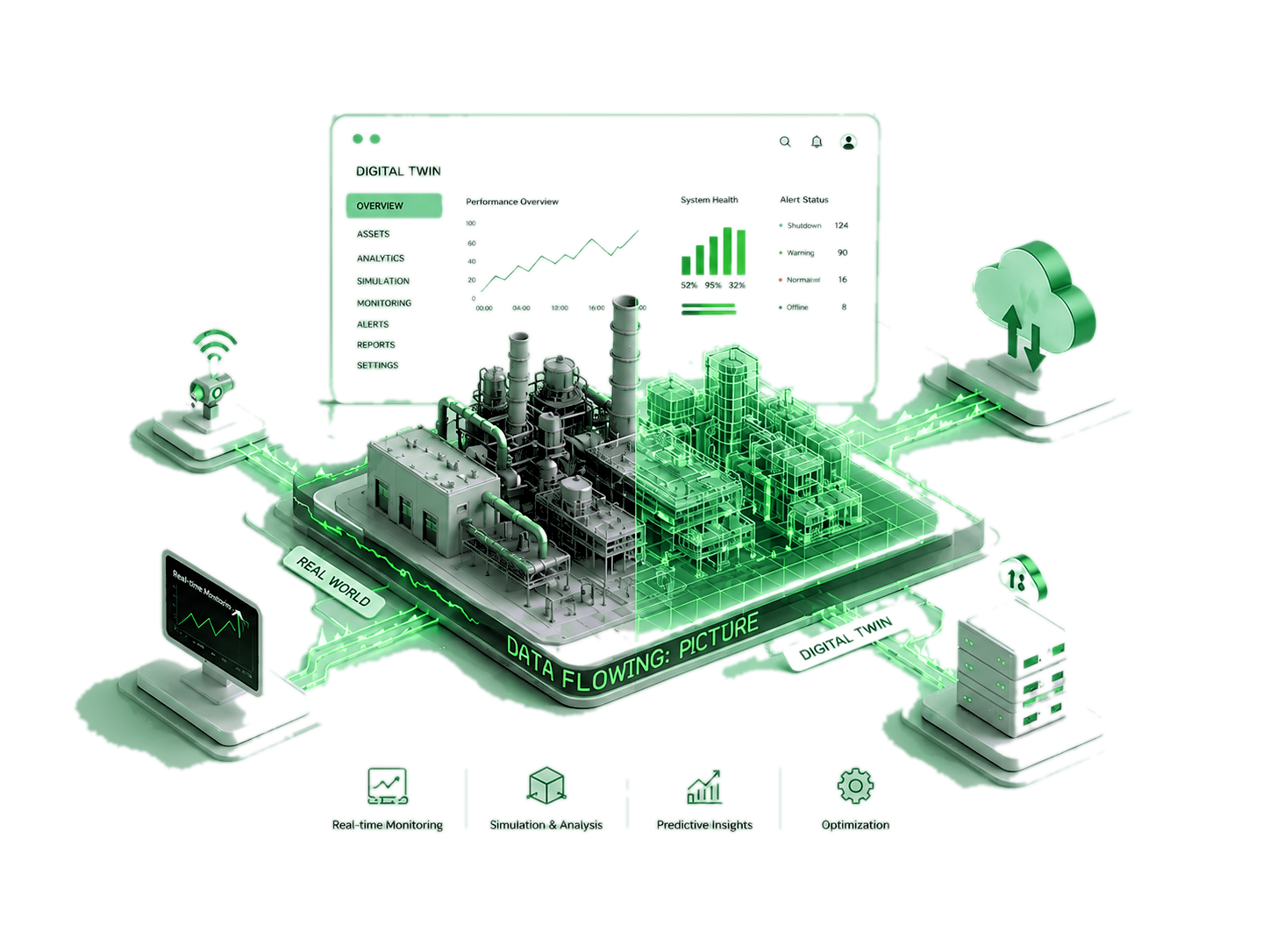

DIGITAL TWIN
INDUSTRIAL INTELLIGENCE PLATFORM
PLATFORM ASSEMBLY 0%
Initializing System
👁 View-only mode — contact a SuperAdmin to make changes
📦
🖱 Scroll · R rotate · Click to place · Esc cancel
Edit Assets
Click to select · Drag to move · W = snap to wall
Object
X
Y
Z
Rot°
Scale
Room Design
Walls
Floor
🧩 Assets
No models found
✏ Edit Mode
Area: 🟠 drag edge  🔵 drag corner  ↑↓←→ nudge  ⚡ dbl-click🟠 = add bend
Left-click to place · Right-drag to rotate · Scroll to zoom · ESC to exit
What is this?
Selected object
Stage
Properties
🗑

Delete Room?

Are you sure you want to delete
This action cannot be undone.

Click OK, then: triple-click an empty floor area to auto-detect walls, or click corners one-by-one to draw manually.

▶ Menu
Select a plan to open the full 3D workspace
🏗
Select a branch and floor above
📤 File Drop
📍 Assign to Branch & Floor
📐

Drop your factory layout here

or click to browse — PDF and DXF supported

PDF DXF → USDZ
⚙ Advanced options
A
Admin
A
Admin
SuperAdmin Online
🏢 Branch
🏢 Floor
👤 Profile
Logout
!
Are you sure?
You won't be able to revert this!
🧠 ObjTrain — Custom Object Detection
Upload 3-D Model
Training Jobs
No jobs yet
Annotating: Image 1 / ? ←→ navigate  |  Enter confirm  |  Del clear box  |  Esc close
Images
Drag to draw a bounding box around the object
Overrides default for this image
No box drawn yet

Floor Mapper by Branch

Branches
Total Floors
Maps Available
Loading floor plans…

Delete?

Are you sure you want to delete this floor?

📐

Floor Blueprint

Branch
Loading blueprint…
🚶
Walk Through
Click any room in the 3D view to start walking inside it
Object
Tower Plan
Loading…
FLOOR STACK TOP → BOTTOM ›
0
Total Floors
0
Total Rooms
🏗
Building tower…
Fetching floor data
🏢
No floors found
Upload a floor plan from Command Center first
🔧
📋
CamLog
Camera log dashboard
Live camera view